What Almirah does
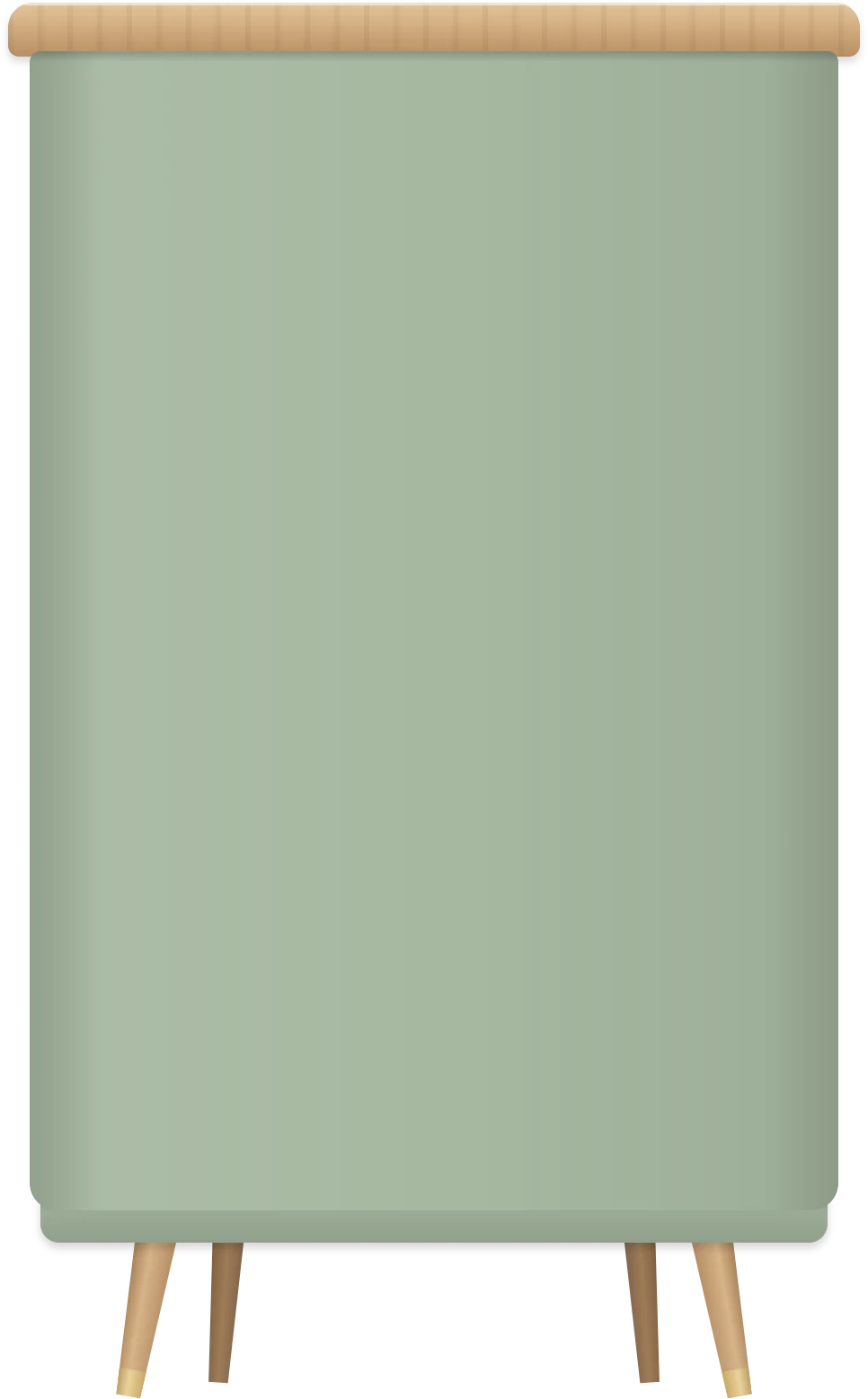
A little cabinet on your desktop for everything you’d otherwise leave lying around: documents, screenshots, files, photos and videos. Here’s how it works.
Put It Away
Drag documents, screenshots, files, photos or videos onto the almirah. The doors open a crack, the light comes on, and it’s put away. Try it with the things below.










Text
Becomes a .txt note, named after its first line.
Links
Become a .webloc that opens in your browser.
Pictures
From Photos, Mail or Safari arrive as the files themselves.
Hold ⌥
To copy instead of move.
Take It Out
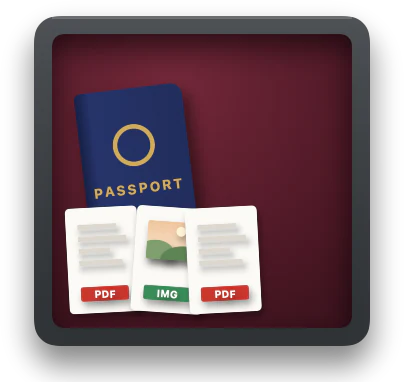
When a form asks for your passport scan, open the doors and drag it straight off the shelf: onto an upload field, into Mail or back to Finder.
Step 3 of 4
Upload your documents
Passport, photo page
Drop a file here · PDF or image
Recent photograph
Drop a file here · JPEG, square
Everything on a Shelf
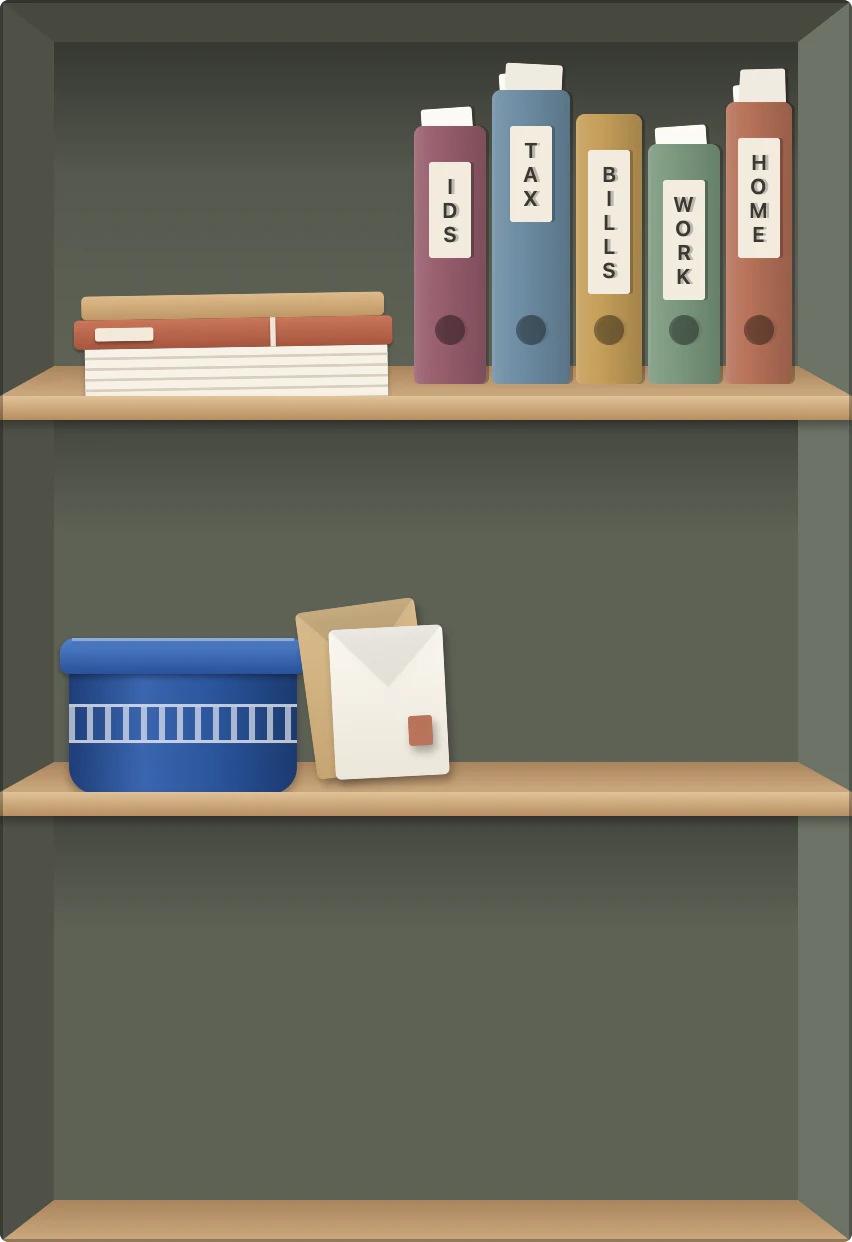
Open the doors and it’s all there: binders on top, your newest papers at the bottom, and a note on the door for remembering where things went.
Binders
IDs, Tax, Bills, Work and Home stand on the top shelf. Drop a file on one to file it there.
The note
Inside the left door, for remembering where things went. Click it to rewrite it.
The bottom shelf
New papers stand here, newest last. Point at one for its name; double-click opens it, Space previews it.
The light
A warm light comes on when the doors open, and glows through the gap while you hold a file over it.
Easy on Your Mac
It stands on your desktop all day, so it does nothing until you come to it. The plant sways once when you come over, then rests. Measured on the release build.
0.03%
of the CPU while it stands on your desktop
0.05 s
of CPU time for a whole visit, plant and all
81 MB
of memory
Runs natively on Apple silicon and Intel, macOS 14 or later.
Your Files Stay Files
Everything lives in ~/Almirah, an ordinary folder. Binders are folders inside it, so Finder, Spotlight and Time Machine work as usual. Delete the app and your files stay where they are.
- IDsBinder4 items
- TaxBinder6 items
- BillsBinder3 items
- WorkBinder5 items
- HomeBinder9 items
- Resume.pdfPDF document184 KB
- Screenshot 2026-10-11 at 9.41.27 AM.pngPNG image2.1 MB
- Pick up the dry cleaning on Friday.txtPlain text41 bytes
Almirah for Mac
One-time purchase. No subscription.
Buy for $14.99Already bought it? Download
macOS 14 or later · Apple silicon and Intel